For small business owners
ChatGPT and Claude, in your brand.
Paste your website. We turn it into one file that teaches ChatGPT and Claude your colors, fonts and voice.
Free in beta. No account, no card.
Open the brand board
You to ChatGPTWrite an Instagram post for our new sourdough.
how it works · 3 steps
Three steps. No design or coding.
- 01
Paste your website
We read your site and pull out what makes it yours: colors, fonts, logo and voice.
- 02
Check it
See everything on one board and fix what is off. Something missing? One button fills it in for your kind of business.
- 03
Give it to your AI
Download the file and add it to ChatGPT, Claude or the tool you build with. Every draft then follows your brand.
What is the brand file?
Plain text with simple headings and lists, saved as a .md file. ChatGPT, Claude and other AI tools read it easily and follow it. You never write it by hand.
07:00 · the morning post
Ask for a post.Get your post.


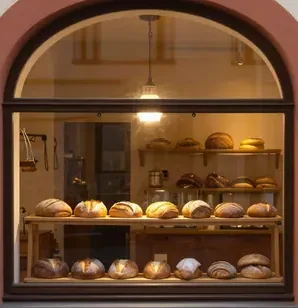
The sourdough is out and Instagram needs a post. ChatGPT gives her the same blue square it gives every bakery.
She adds her brand file once. Same request, and the post comes back as Ferment.
16:00 · the new offer
Write an offer.Sound like you.


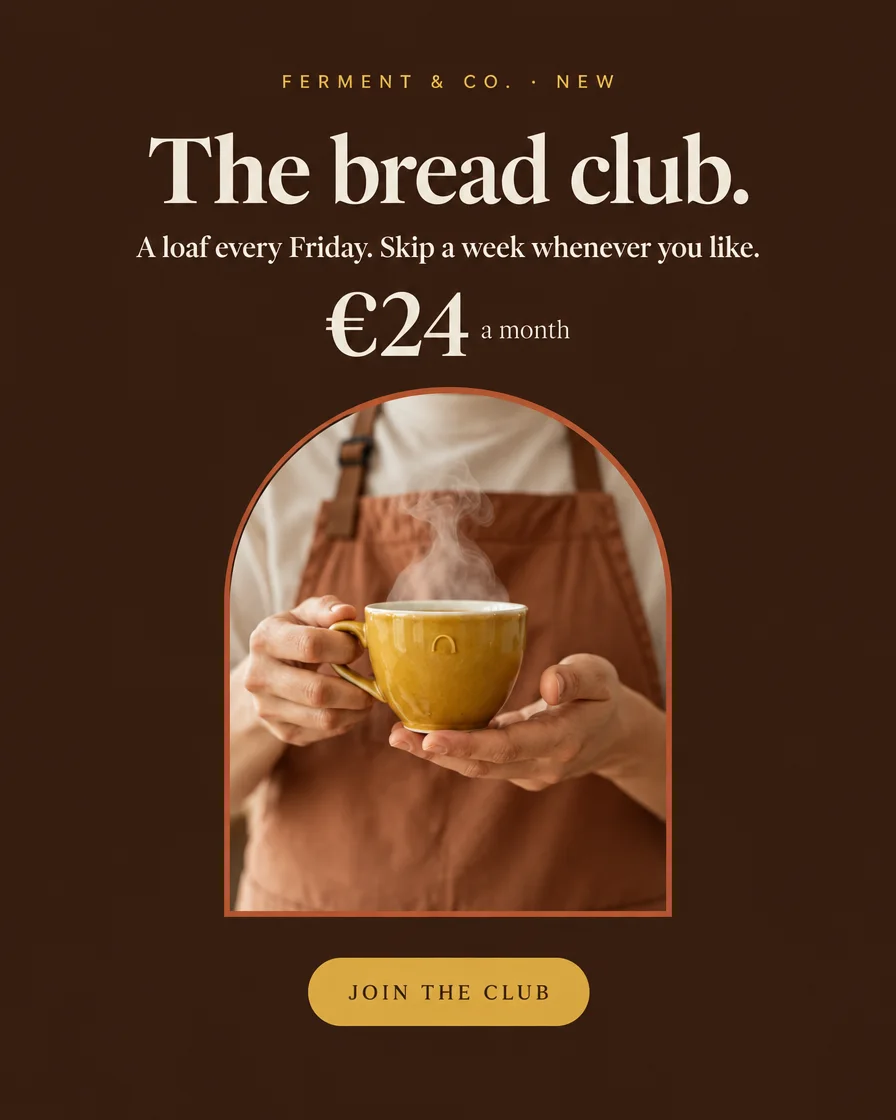
A bread subscription could carry the shop through winter.
The page comes back in her voice, with her price and her colors.
19:00 · closing time
Two jobs, one chat.One brand.

A post and an offer, both of them Ferment.
One file that tells every AI who you are.
mornings ✨looks like everyone
Indulge in our artisanal sourdough, crafted with passion and love! 🥖✨ #bakery #fresh
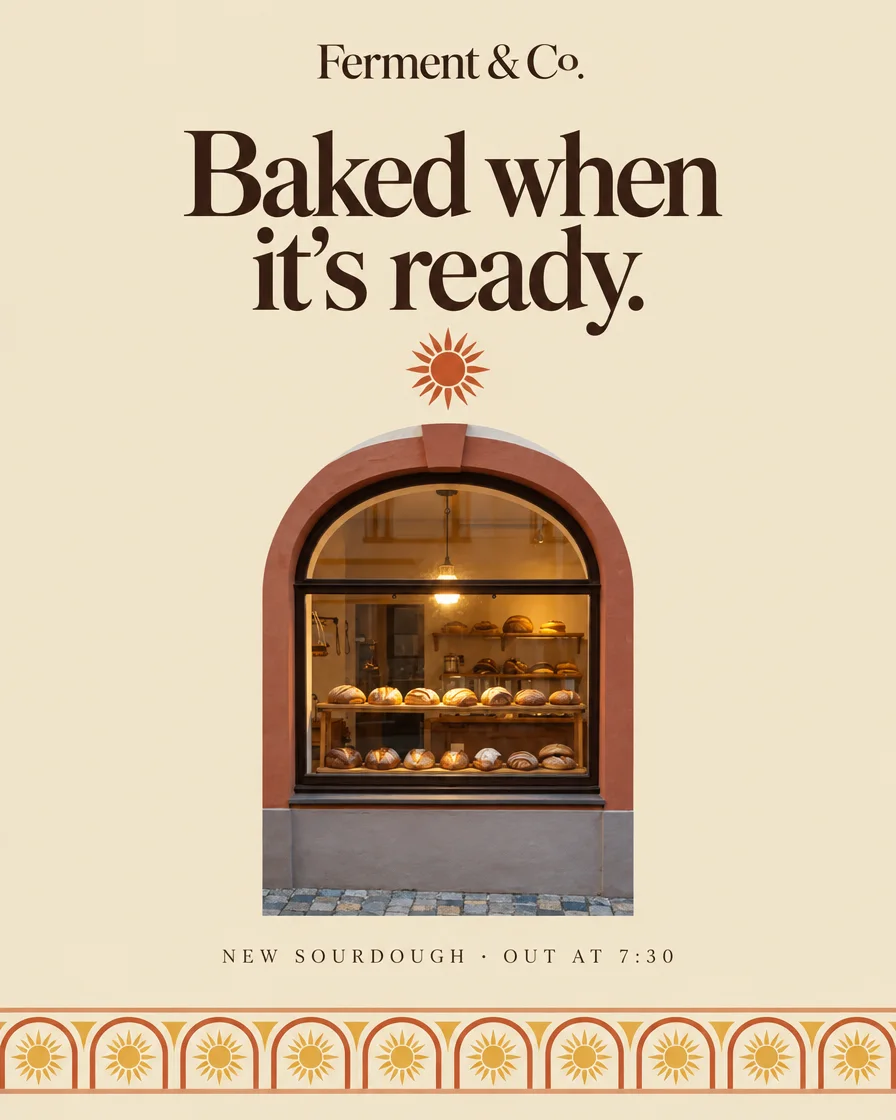 out at 07:30!
36 hours from flour to shelf. Out at 07:30, usually gone by noon. Come early.
 no catch
- 1 Instagram post
- 1 offer page
illustration · one chat, one day
what you get · the full pack
What you download.
---version: alphaname: "Ferment & Co."description: "Ferment & Co. is a neighbourhood bakery making slow-fermented loaves, pastries and a daily lunch counter. The brand should feel like the shop at 7 a.m.: warm, floury, unhurried, with a small wink."colors: primary: "#B5532F" accent: "#E9B44C" surface: "#FAF3E6" text: "#3B2418" neutral: "#8A6A55" background: "#F3E7D3"typography: h1: fontFamily: "Fraunces" fontSize: 37px fontWeight: 800 lineHeight: 1.1 letterSpacing: -0.03em h2: fontFamily: "Fraunces" fontSize: 33px fontWeight: 800 lineHeight: 1.15 letterSpacing: -0.03em h3: fontFamily: "Fraunces" fontSize: 27px fontWeight: 600 lineHeight: 1.2 letterSpacing: -0.03em body-md: fontFamily: "Work Sans" fontSize: 17px fontWeight: 400 lineHeight: 1.5 letterSpacing: 0em label-sm: fontFamily: "Work Sans" fontSize: 13px fontWeight: 500 lineHeight: 1.4 letterSpacing: 0em display: fontFamily: "Fraunces" fontSize: 42px fontWeight: 800 lineHeight: 1.05 letterSpacing: -0.03emrounded: sm: "6px" md: "12px" lg: "22px" pill: "999px"
One brand file
Your colors and what each is for, your fonts, voice and words to avoid, all in one place. Add it to a ChatGPT or Claude project once and stop explaining your brand.DESIGN.md
A short version for project instructions
Paste it once into the instructions of a ChatGPT or Claude project. Every chat you start there is in your brand.BRAND-SHORT.md
Prompts for a post, an offer and an email
Ready to paste into the same project: fill in the blanks and get a draft in your voice. The README says which file goes where, step by step.POST-OFFER-EMAIL.md
See every file and what it is for
| File | What it is for |
|---|---|
| README.md | Which file goes where, step by step |
| DESIGN.md | Your brand file in full, for people and AI tools |
| BRAND-SHORT.md | Short version: paste into ChatGPT or Claude project instructions, or at the start of a chat |
| BRAND-CHATGPT.md | ChatGPT custom instructions: the brand under 1,500 characters |
| POST-OFFER-EMAIL.md | Prompts for a post, an offer and an email, in English and Polish |
| claude-skill-brand-….zip | Your brand as a Claude skill: upload it in Customize > Skills, do not unzip it |
| SECTIONS.md | Ready prompts for website sections in your brand |
| PROMPTS.md | A starting prompt for AI image tools, when you set photo rules |
| For developers | |
| AI coding tools read these files on their own from your project folder. AI site builders need the short version pasted into their project instructions. | |
| CLAUDE.md, AGENTS.md | Rules AI coding tools read on their own in your project |
| .cursor/ | The same rules for Cursor |
| .claude/ | A Claude skill: Claude opens your brand file when a task needs it |
| tokens.css, tokens.json | Your colors and fonts as code, for your website |
| llms.txt | Goes on your website so AI search can find your brand file |
On the board you also get a Brand page to share with a freelancer or agency.
price
Your brand file, free.
Free while in beta
One file with your colors, fonts and voice, ready for ChatGPT and Claude.
- Check what we found on your website and fill in the gaps
- Download your brand file and the rest of the pack
- Add the brand file to a ChatGPT or Claude project once
- Ask for a post, page or offer there, and it comes back in your colors and words
Paid options are planned: saving your brand in the cloud, teams, and a ready connection to your AI tools. Join the list and you get one message when they start. Privacy
faq
Short answers.
Is it free?
Yes, while brandmarkdown is in beta: the full pack, no account, no card. Paid options are planned, and anyone on the list gets one message when they start.
What exactly do I get?
A folder of files. The main one is your brand file, DESIGN.md. The rest are the same rules shaped for each tool, including a short version.
Do I need to know how to code?
No. You paste a website address, check the result and download. Adding the brand file to ChatGPT or Claude is the most technical step.
How do I use it with ChatGPT or Claude?
Add the brand file to a ChatGPT or Claude project. In ChatGPT, also paste the short version into the project instructions. Our guides show it click by click.
I build my site with AI. What then?
Tools that work in your project folder, such as Claude Code or Cursor, read the pack there on their own. In Lovable, v0 or Bolt, paste BRAND-SHORT.md into the project Knowledge or instructions.
Where is my brand stored?
In your browser, on your device. You can download every file.
Do I need to connect anything?
No. It works with the ChatGPT or Claude account you already have.
I already have a brand book.
Drop the PDF or your own .md files at the start. What your book does not cover is marked, so you can fill it in.
See your brand in a minute.
Free while in beta. No account, no card.
guides